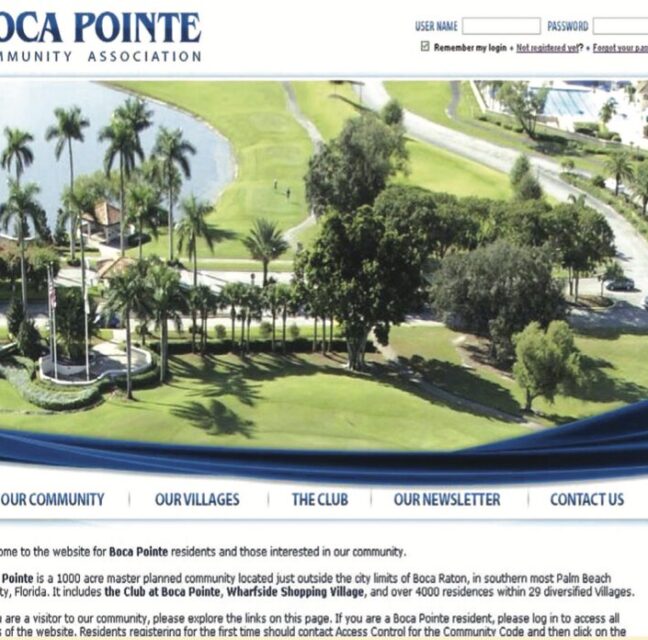


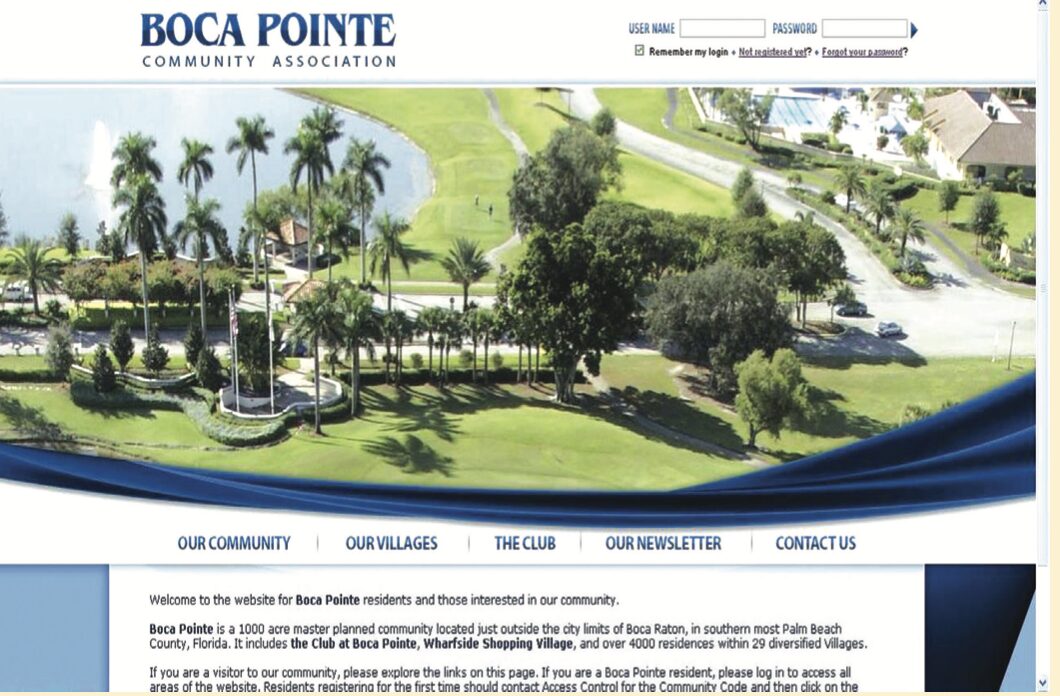
If you have never registered on the Community Association web site, call Access Control for our “Community Code,” then go to http://www.bocapointe.com. Click on the “Not registered yet?” link right under the log in box.
If you think you are registered, but just can’t remember your User Name and Password, click on the “Forgot your password?” link and it will be mailed to the email address you used when you registered.
Want to update your email address or add your mobile number to receive text messages? Go to the web site Residents Only page and click on the “User Profile” link.
Once you are a registered user, to log onto the web site, you simply go to http://www.bocapointe.com and you will find the User name and Password boxes in the top right hand corner. Fill in your information, then click on the small blue forward arrow. The log in is “case sensitive.”
If you are a smartphone user, we now have a mobile version of the web site for your use that even includes a Comment Form. Let us know what you think and give us your suggestions for improvements